AI Plaza Workbench
Open a specialized Workbench to turn tasks and materials from Chat into results you can view and keep working on.
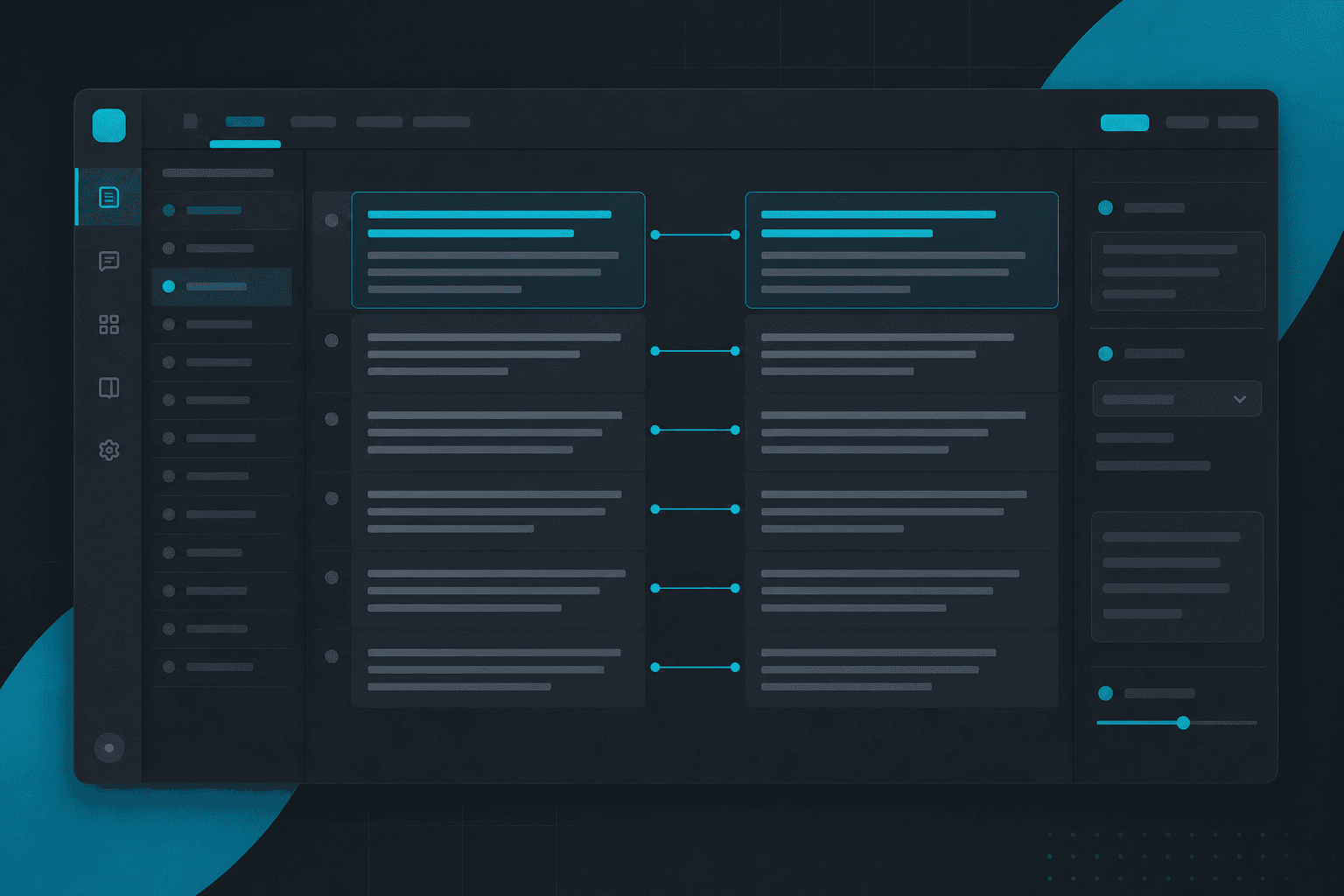
- Translate — Translate text or materials; compare, check, edit, and continue working on the translation on the right.
- Docs — Import, edit, analyze, and organize documents; review summaries, suggestions, or rewrites on the right and apply the content you need to your working draft.
- Sheet — Create, organize, and analyze tabular data; check and edit the sheet on the right, then continue with formulas and analysis through Chat.
- Slide — Generate an editable presentation draft from your materials; review, adjust, and refine it on the right as needed.
- Assistant — Set up and run assistant workflows for recurring tasks; configure tasks and schedules, view run status and artifacts, and manage schedules on the right.
- Code — Write, import, explain, and modify scripts; edit, review, and confirm changes on the right, then iterate through the main Chat.
Workbench
Finish work in the panel beside chat
Open a specialized Workbench to turn tasks and materials from Chat into results you can view and keep working on.
Chat · Translate
Workbench → Translate
Workbench
Saves time
Translate
Translate text or materials; compare, check, edit, and continue working on the translation on the right.
Skip juggling two windows — align source and translation in one panel.
Step 1 of 3
Open Translate
From Chat empty state or the Workbench menu, choose Translate to open the side panel.
Example: Translate a product page into Japanese for a business launch.
Try Translate in ChatReady to use Workbench?
Open Chat, pick a Workbench from the empty-state shortcuts or the Workbench menu, and keep results with Copy, Insert, Open in Slide, or Accept.